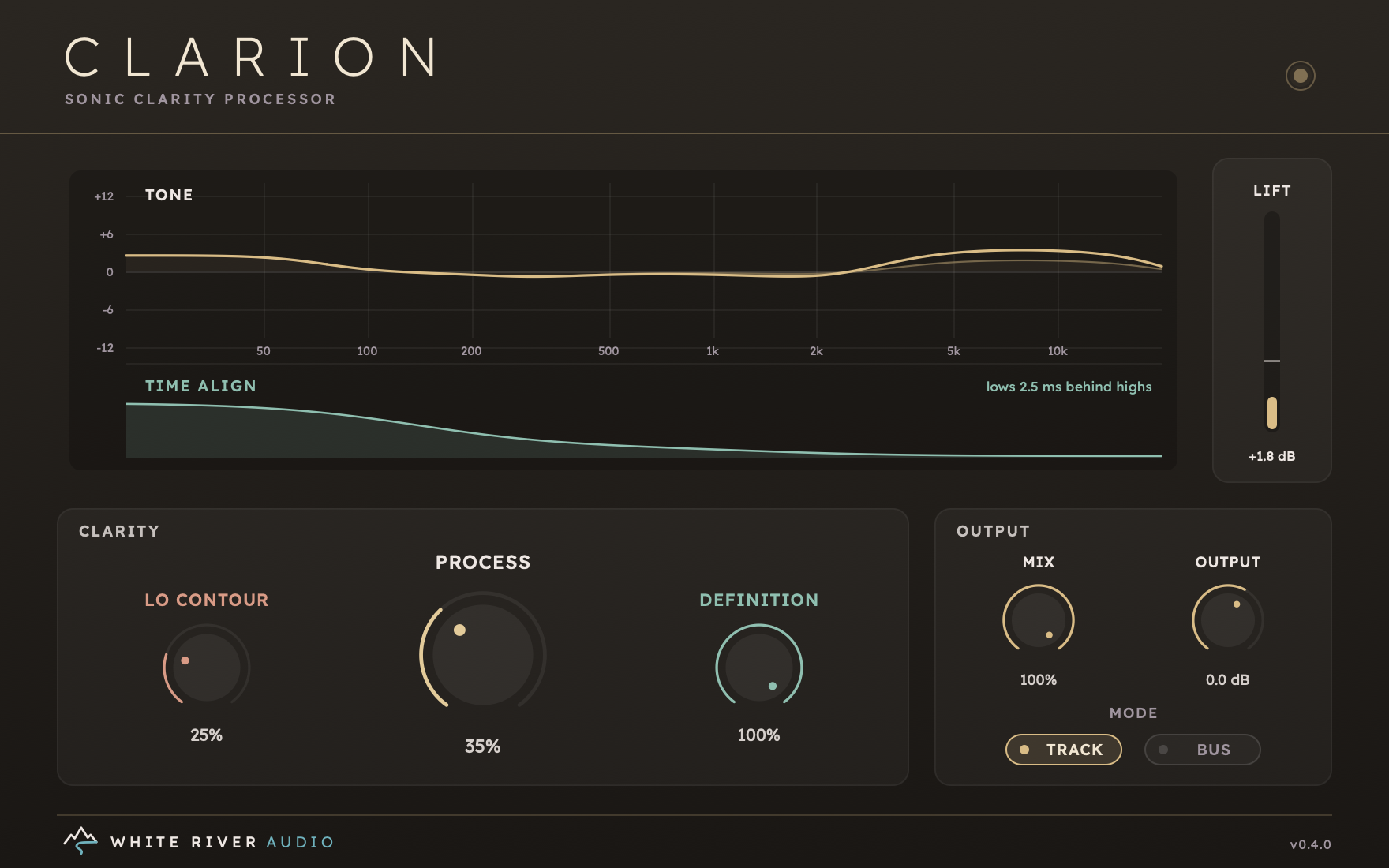
Sonic clarity processor
Clarion
Tightens the lows and makes the highs clearer, without just turning up the treble.
Inspired by the classic early-90s enhancer hardware. It works on single tracks and on buses, and never changes the level by itself.
Version 0.4.0 · AU and VST3 · macOS and Windows
Clearer highs
Process lifts the top a little all the time and more on each attack.
Firmer lows
Lo Contour adds weight down low and takes a little mud out around 300 Hz.
Zero latency
And with every control at zero it's a perfect wire.
How to use it
Start with Process.
Choose a mode
Track for single instruments and voices. Bus for groups and mixes.
Turn up Process
The main control. Start at the default and add more for dull material.
Add low end
Lo Contour for a firmer bottom. Mix blends it with the dry signal.
The controls
Clarity without a brighter EQ.
Process
Lifts the band above 3 kHz, more on attacks, and backs off on material that's already bright.
Lo Contour
A bass shelf with a small dip at 300 Hz, for a firmer, less muddy low end.
Definition
The lows arrive a touch behind the highs, as in the original hardware. Timing only, never tone.
Mix
Blend with the dry signal. The dry is time-aligned, so blending never comb-filters.
Details
At a glance
- Price
- Free
- Formats
- AU and VST3 on macOS · VST3 on Windows
- Systems
- macOS (Apple silicon and Intel) · Windows 64-bit
- Latency
- None
- Version
- 0.4.0
Download
Free, for Mac and PC
The Mac download is a signed installer. The Windows download is the VST3 plugin in a zip.