WHITE RIVER AUDIO

Downloads

Every plugin, free.

macOS: a signed, notarized installer (.pkg) for Apple silicon and Intel, with AU and VST3. Windows: the 64-bit VST3 plugin in a zip, with its user guide. Every plugin's guide is also on the Guides page.
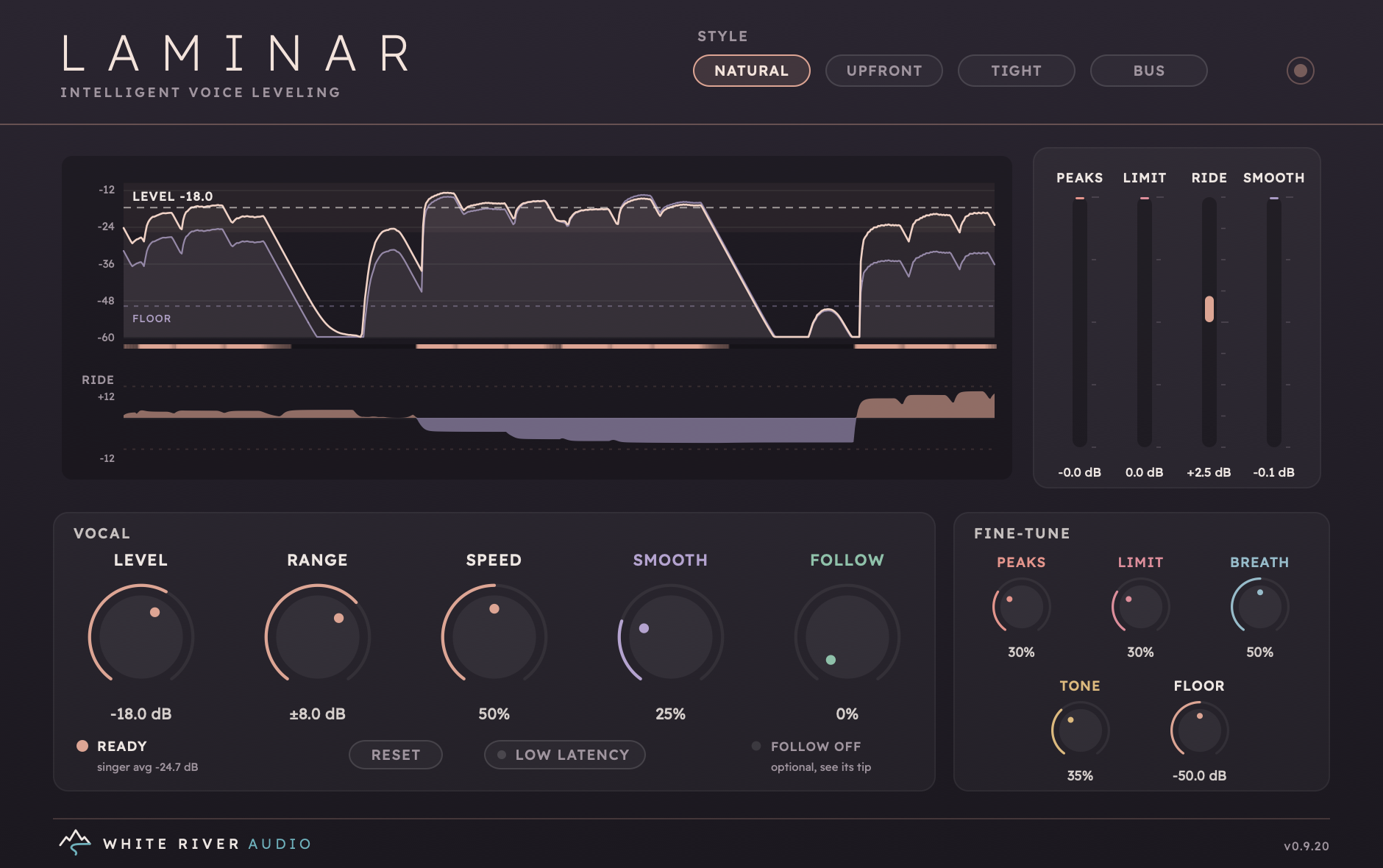
Laminar plugin window

Laminar

Intelligent voice leveling · version 0.9.20 · User guide

Rides a vocal's level the way an engineer's hand on the fader would, gently and in real time.

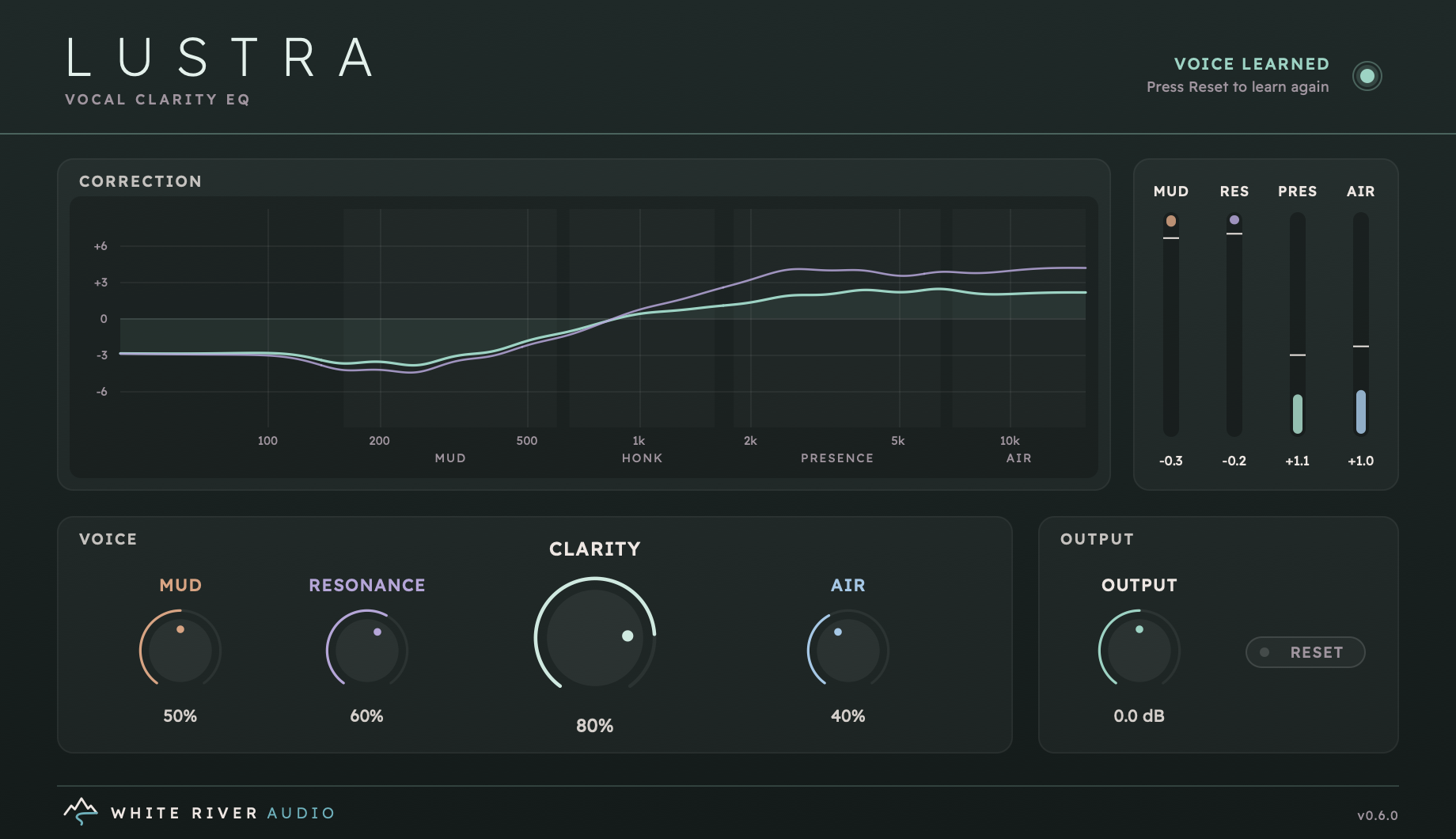
Lustra plugin window

Lustra

Vocal clarity EQ · version 0.6.0 · User guide

A dynamic EQ that learns the singer: less mud, fewer resonances, more presence and air.

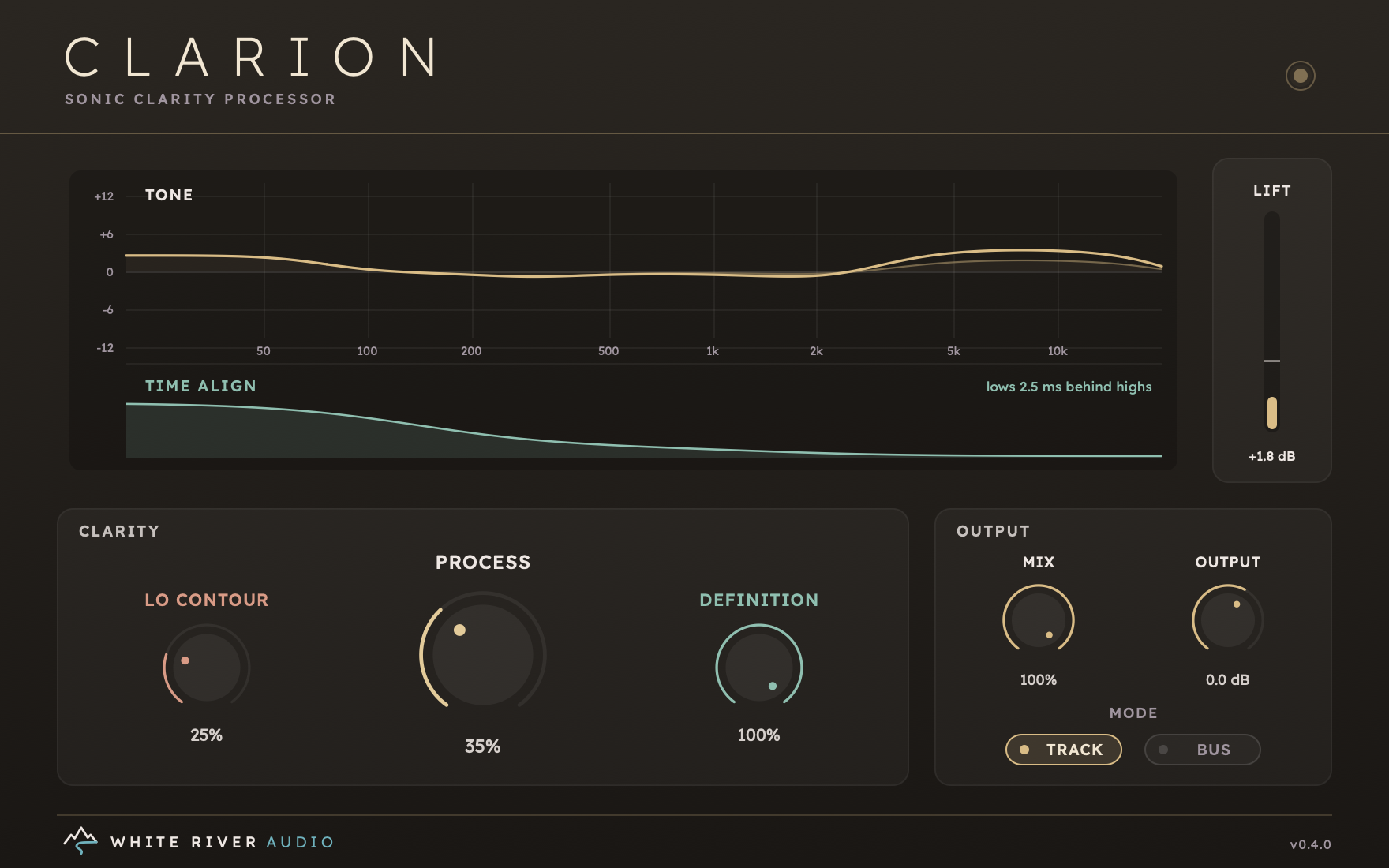
Clarion plugin window

Clarion

Sonic clarity processor · version 0.4.0 · User guide

Tightens the lows and makes the highs clearer, without just turning up the treble.

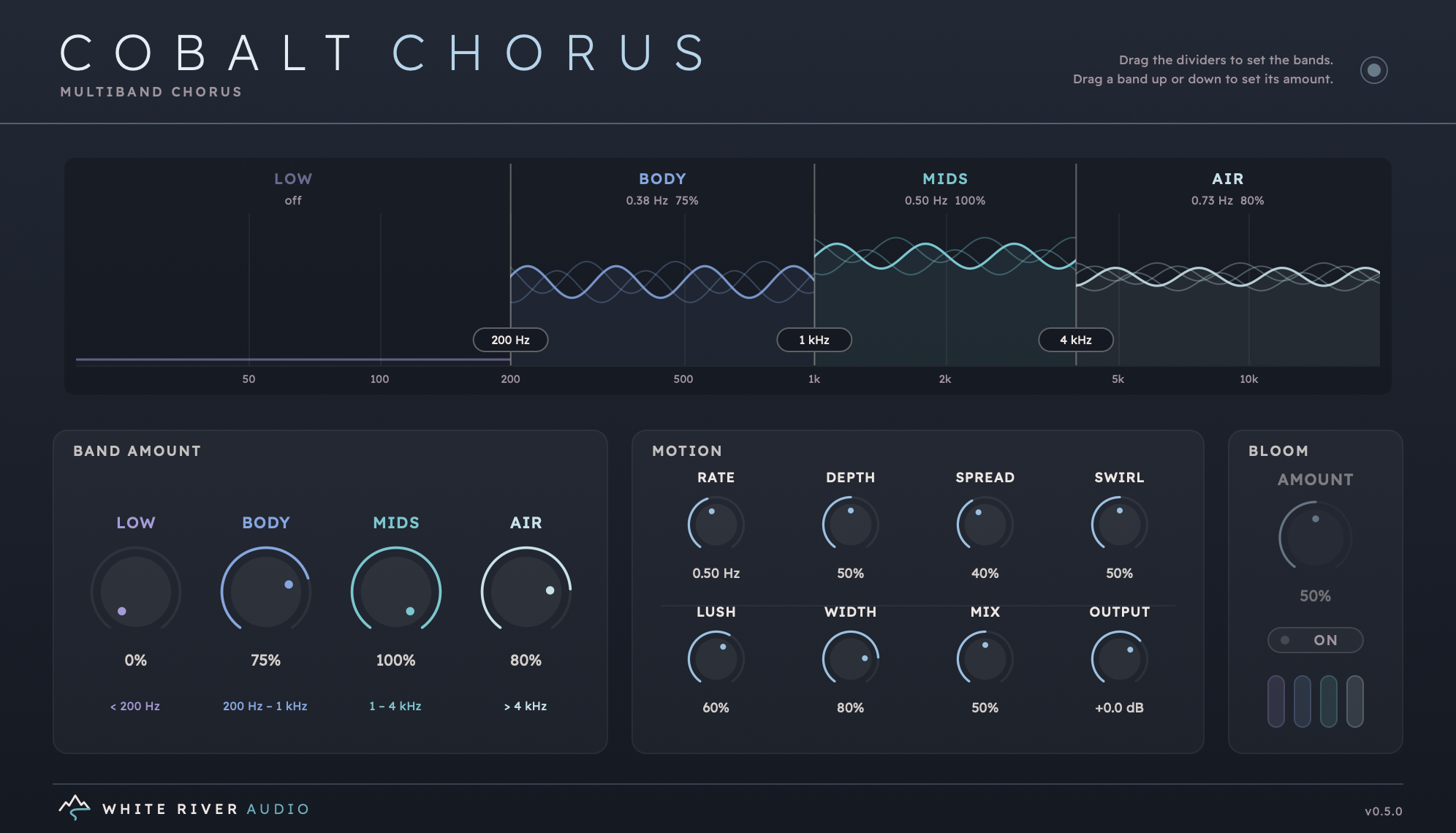
Cobalt Chorus plugin window

Cobalt Chorus

Multiband chorus · version 0.5.0 · User guide

A chorus in four bands, so the lows stay solid while the mids and air shimmer.

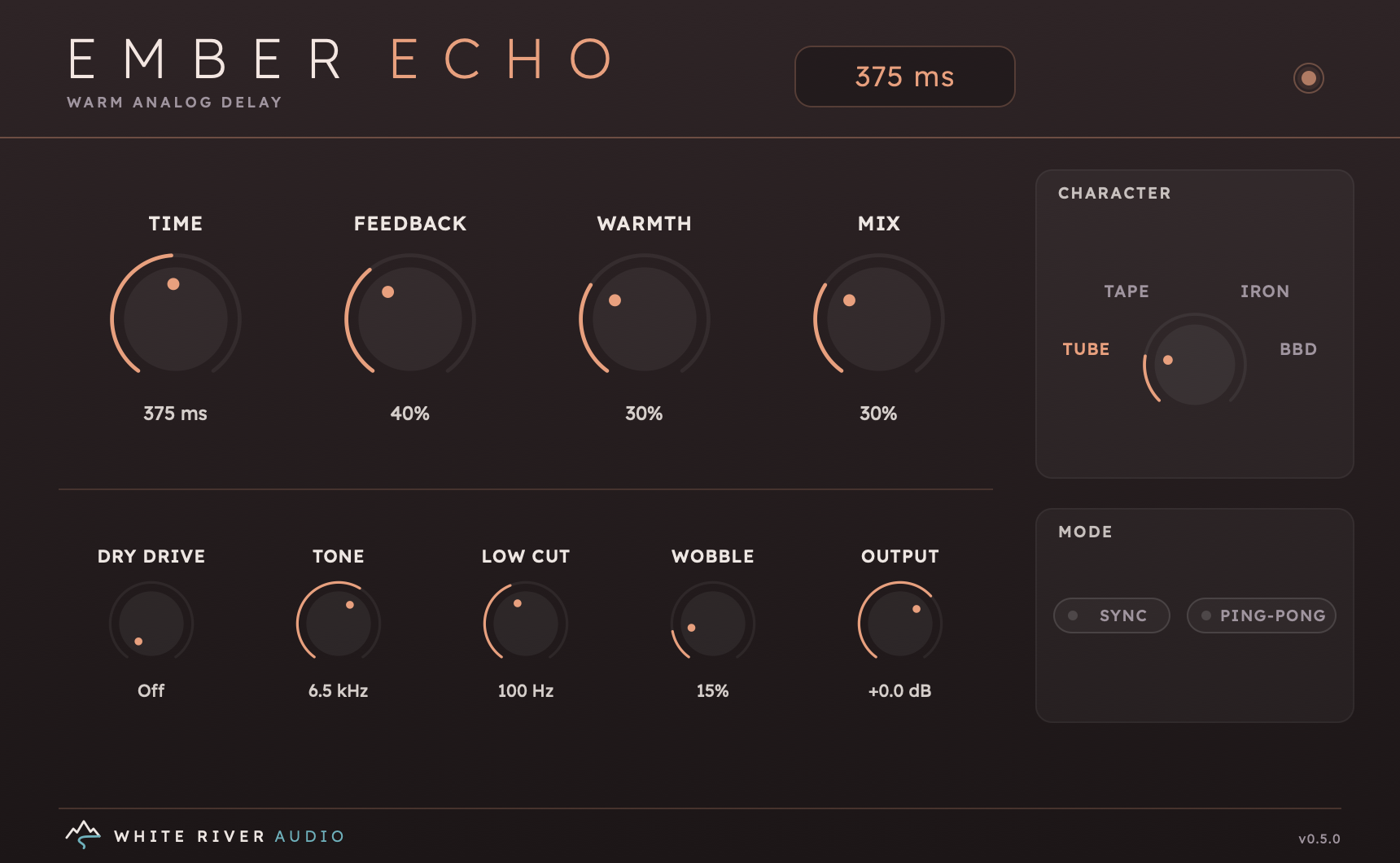
Ember Echo plugin window

Ember Echo

Warm analog delay · version 0.5.0 · User guide

A warm analog-style delay with four characters, from tube to bucket-brigade.

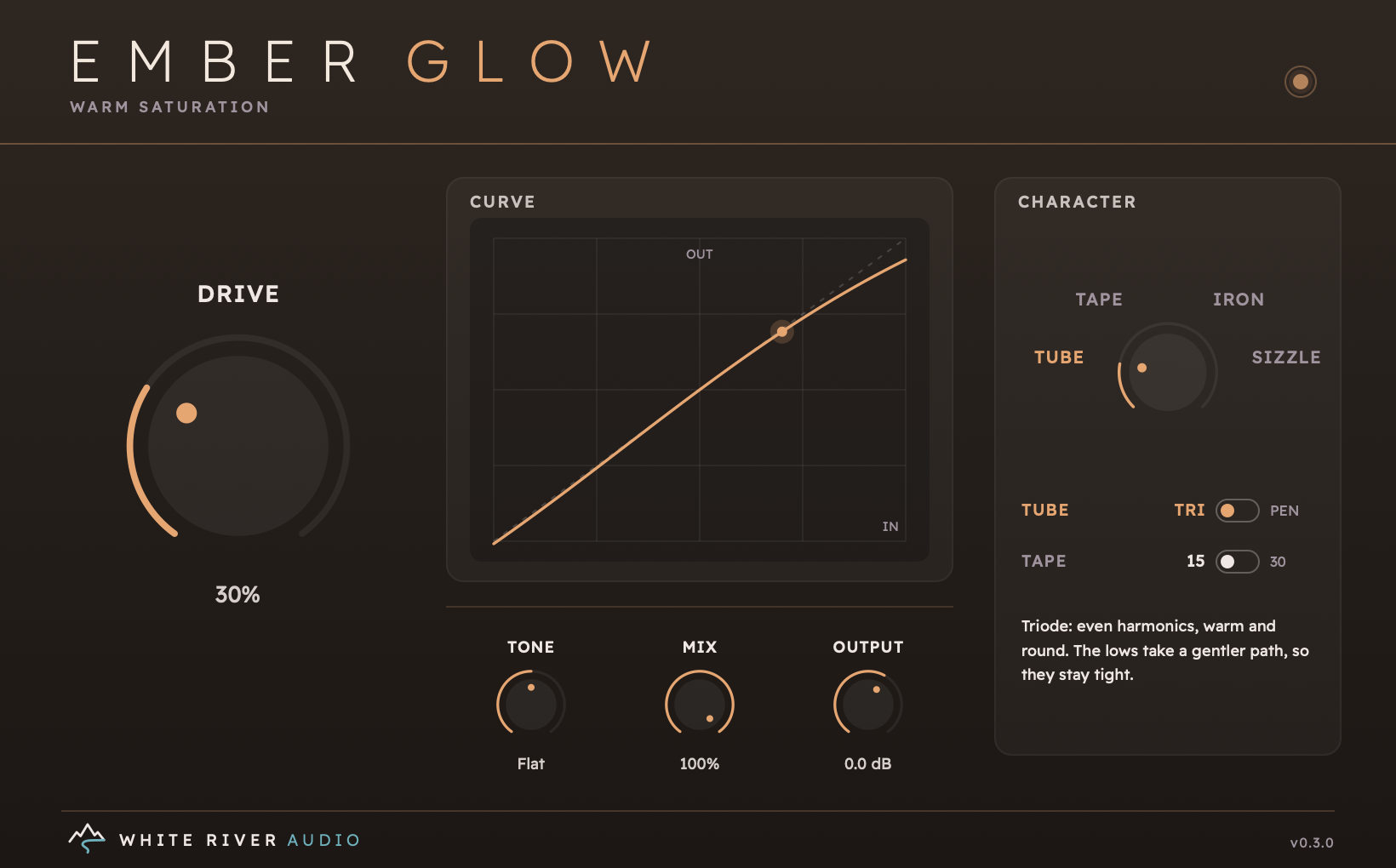
Ember Glow plugin window

Ember Glow

Warm saturation · version 0.3.0 · User guide

The saturation from Ember Echo on its own, plus Sizzle, a heavier two-stage drive.

Free, always. If a plugin earns a place in your sessions, you can support it with a tip.

The plugins include open-source fonts, used under the SIL Open Font License (font licenses).

Installing

Two minutes, then rescan in your DAW.

macOS

  1. Open the downloaded installer (.pkg).
  2. Follow the steps. It installs the AU and VST3 for all users and removes older copies you added by hand.
  3. Open your DAW and let it scan for new plugins.

Windows

  1. Unzip the download.
  2. Copy the plugin folder (for example Lustra.vst3) into C:\Program Files\Common Files\VST3.
  3. Open your DAW and rescan plugins.